Originally, in 2024, the design started as a larger version of a drum machine. I wanted it to function up to par with drum machines that have already been produced by professionals such as AKAI or Native Instruments; however, I wanted it to be easily accessible as a free stand-alone program on a web browser. I believe that someone's financial wealth should not affect their wealth in knowledge.
As I began to develop this application, it became apparent that the large version would take a significant amount of time. I don't give up so easily, but this was a very time-consuming process, so I began to put it to the side. At the time, I was thinking that the application was not as portable as I wanted. It could fit on a tablet, probably, and definitely a desktop, but not so much a phone. I then decided the most accessible program could also be viewed on the phone and started to simplify the idea.
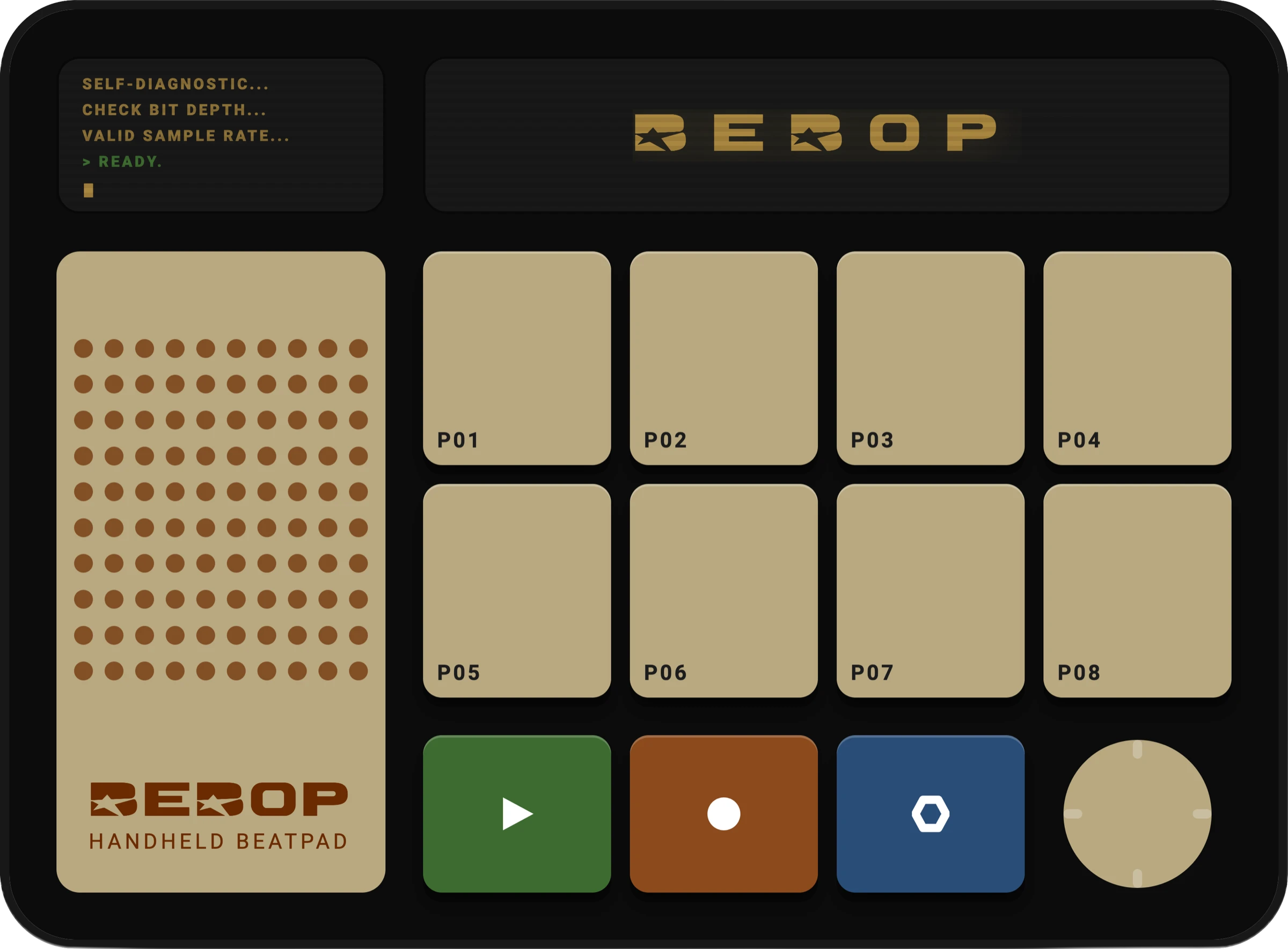
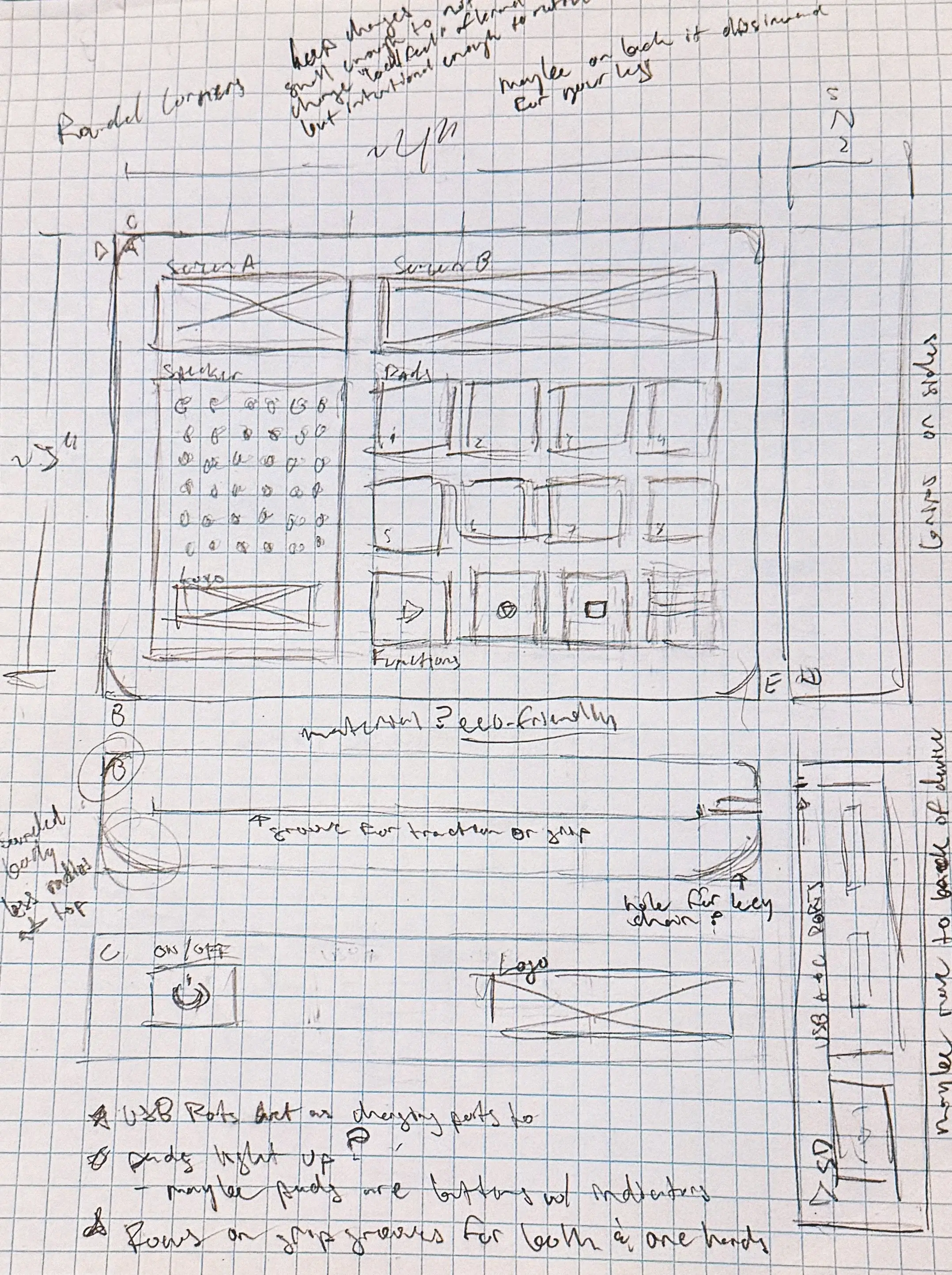
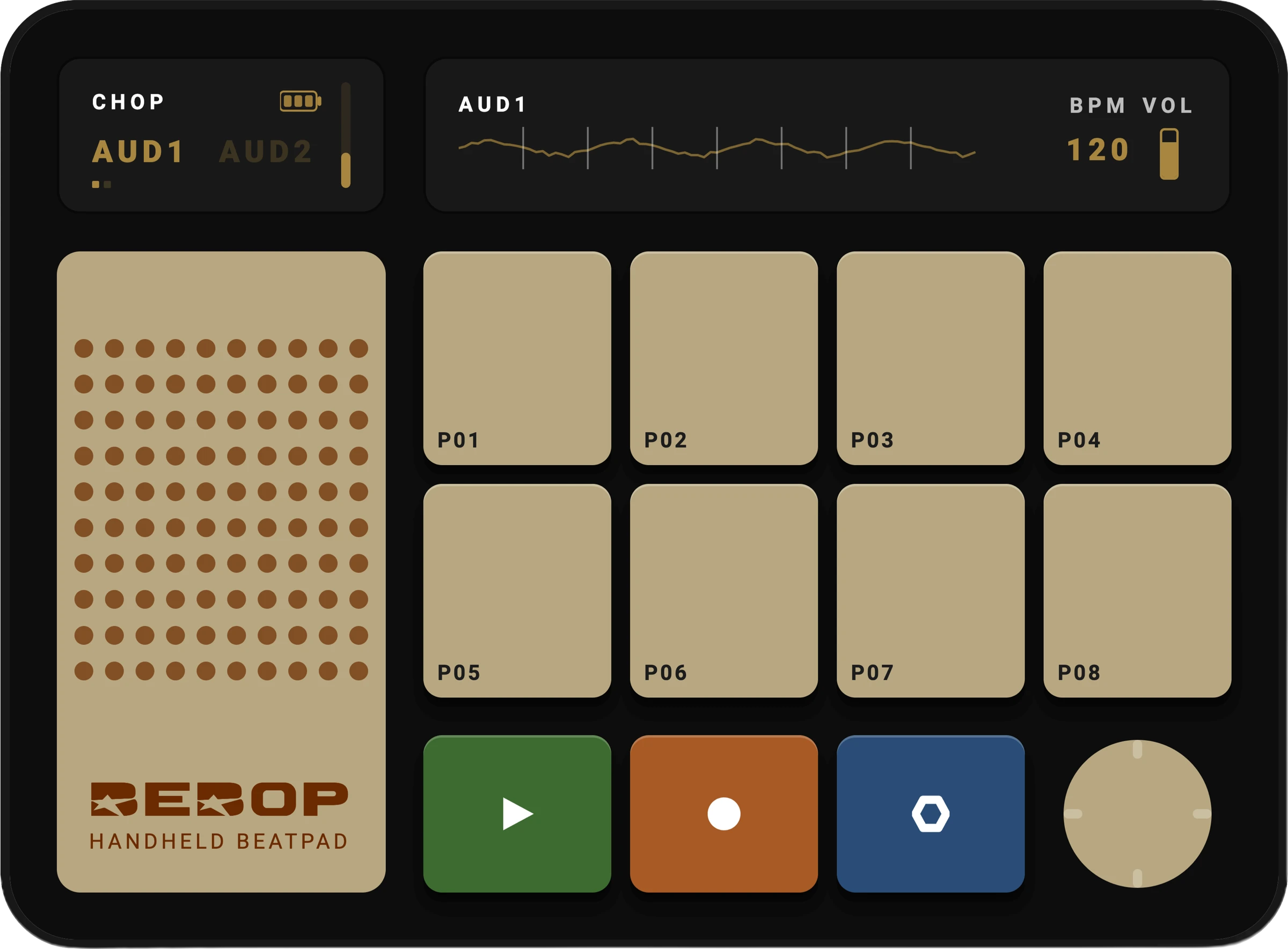
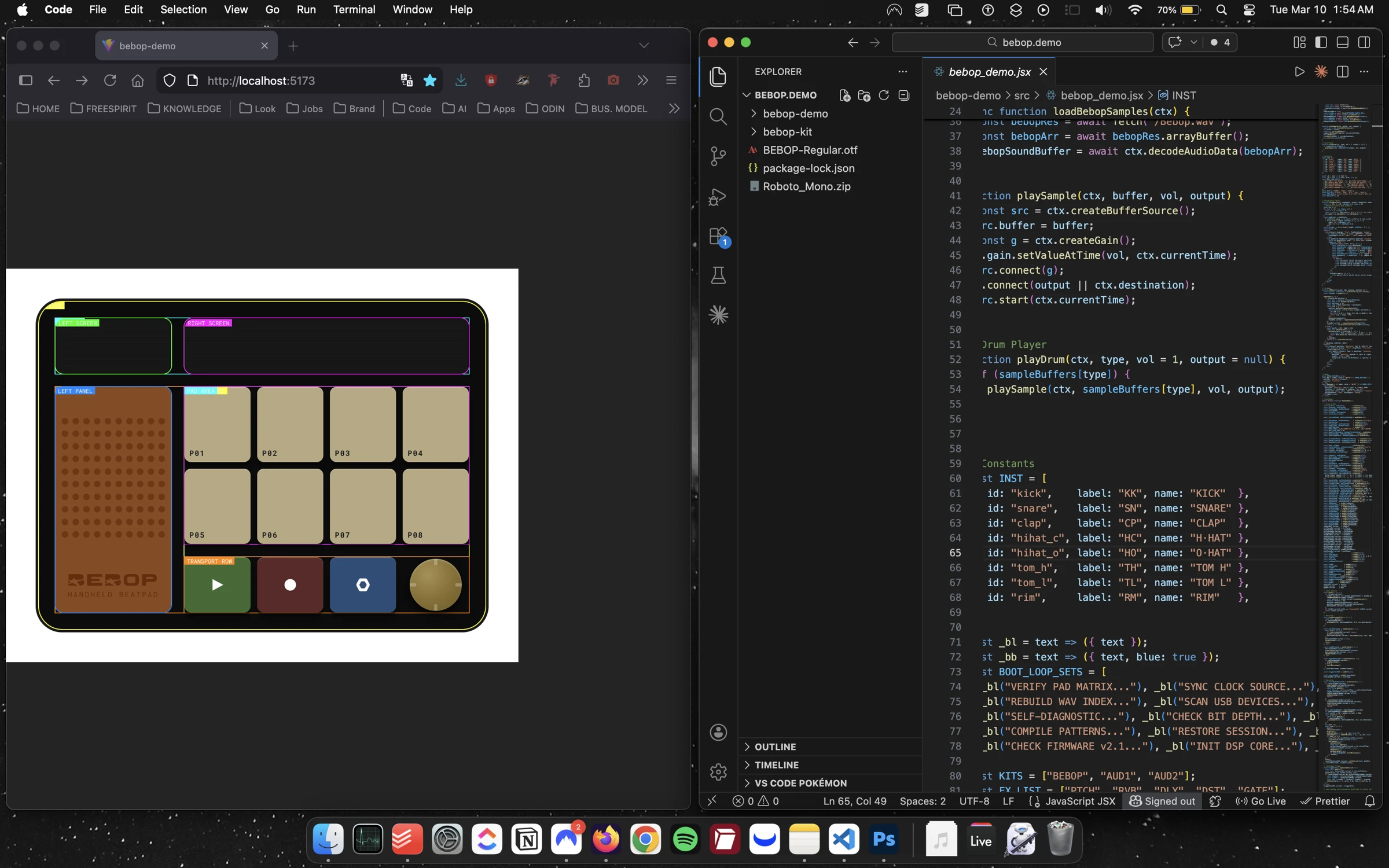
First, I began thinking of how many pads I should use for the program. Originally, it had been 16 pads; however, that's a difficult number to manage without decreasing the size of the pads. Ultimately, I decided to cut it into 8 pads. I figured 8 can still mathematically work with the number of beats and bars per project. It can also host a suitable number of samples, and if the user decides to upload the sample, the audio can be split into a sufficient number of pads that convey enough different sounds, and by adding another audio upload track, the user can double the number of samples. I added three buttons that I figured should be able to be selected whenever the user wants: Play, Record, and Function; on top of this, there is a joystick to navigate between menus and works as an Enter button when clicked inwards. I added two screens that show the user different parts of the navigation, which can be summed up as the Main Screen and the Info Screen.
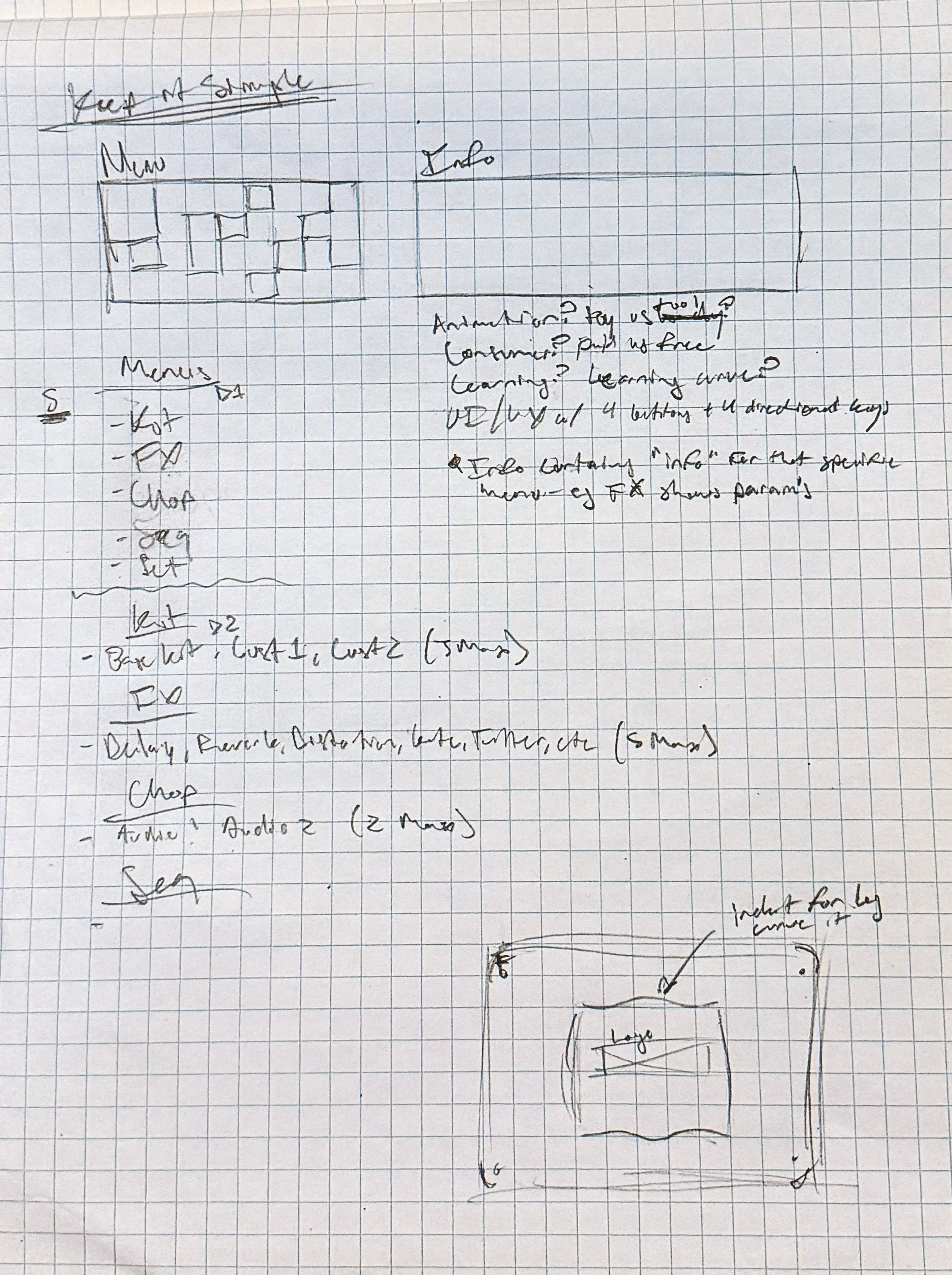
The menu wireframe and setup, along with the button routing, were two of the more tedious parts of the project. For the original version of the program, it was easier because the grid I made had more space for more buttons, which meant that it could be routed and used easily. When translating to a smaller version of the program, it became more difficult because every button and combination of buttons has certain functions. There are limited capabilities, so it was difficult keeping the UI/UX and ergonomics cohesive enough for users to understand and also most importantly, remember. Currently on the unreleased version are three depths of menus, which you can preview here. After everything was figured out, I began building the code for the program. This took the most time between writing the code out, debugging, refining, and redoing. For parts I struggled in I decided an easier approach was to find pre-made script from GitHub repositories or the internet in general, and scrape out pieces I needed, then reimport them into my own code. For the idle animations and Chop Mode audio waveform display, I used Web Audio API to extract the audio file data so that it would render as a visual spectrum. I ran into a few problems that I didn't necessarily know how to solve, so I would either ask a friend or use Claude Code to figure out ways to solve them. After everything was finalized, I used Claude Code to test and audit the program for debugging issues.
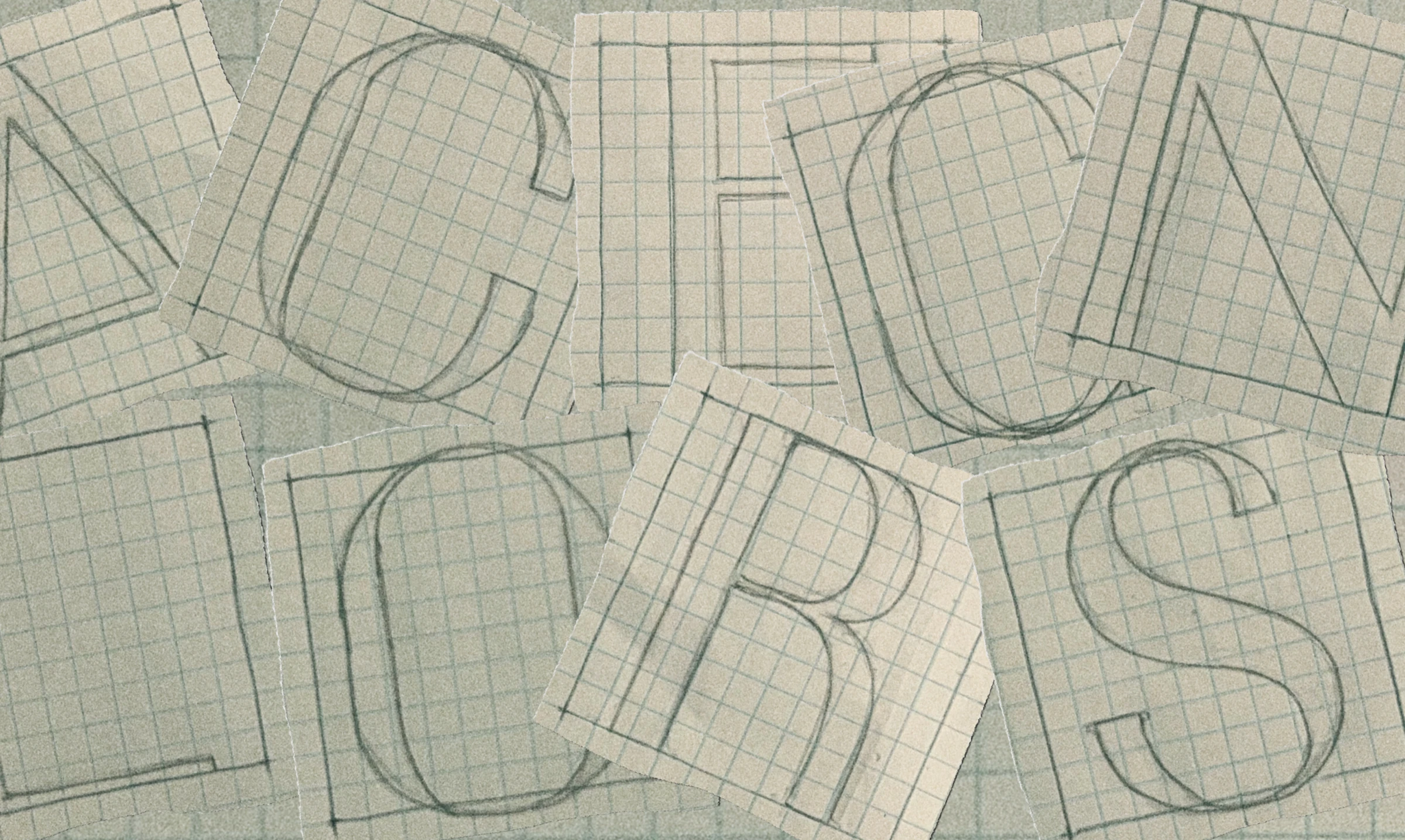
The final step was branding, which was inspired after watching the futuristic anime, "Cowboy Bebop", and thought "Bebop" sounded perfect. Bebop is a funky name for a genre, but it also sounds robotic, like a computer, almost like "Beep-bop". For the logo, I was thinking of a wordmark and was inspired by the Cowboy Bebop title. Instead of a western serif font, I created a san-serif font that was also squished. I added stars into the b's because of the space theme and also because I think stars and twinkles, and jazz hands for Bebop. After everything was tested and audited, to finalize the project, I added sounds for the drum pads as well as the boot sequence. For drum pads, I only tuned up the sounds to make them sound more clear. For the boot sequence sound, I thought it should have phonetic syntax with the branding. "Bebop" is two syllables, so the sound should be two notes. I imagined what "bebop" sounded like if a computer said it, and translated that into the two notes it is. There are still plenty of functions, capabilities, and ideas I haven't added or drawn out before I release the final product.